
\"The tap is leaking\": Report defects by dictating instead of typing
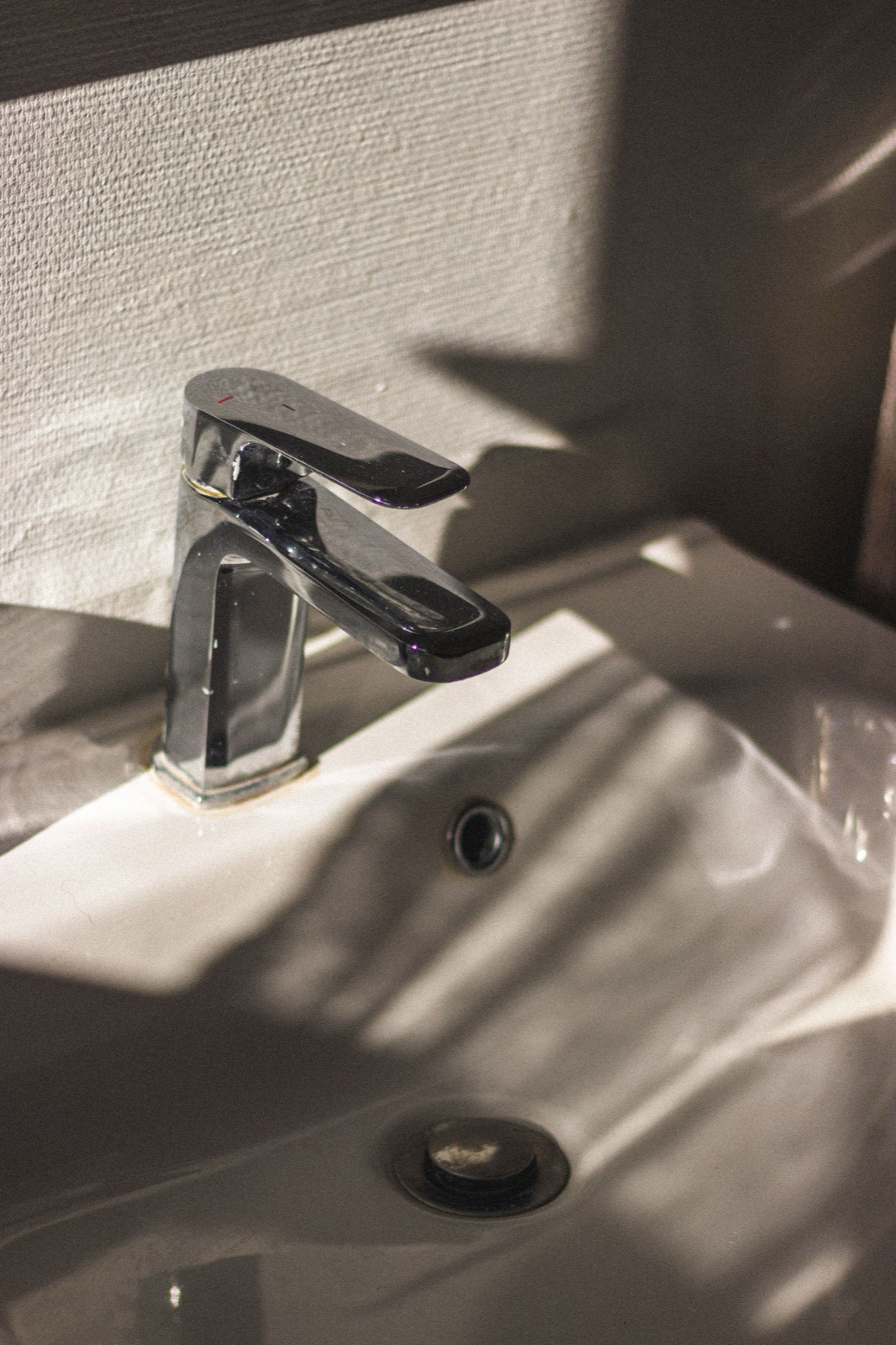
Photo: Mathias Reding / Pexels
A cleaner is working in an apartment, hands full, and notices a leaking tap. "I'll write it down later." But later it's often forgotten, or the message arrives too late.
Why defects aren't reported straight away
Typing on a phone in the middle of work is slow. And if the team speaks a different language from the coordinator or the maintenance technician, that is one more barrier.
The solution: dictation inside the report
In the staff mobile app, the worker opens the defect report, taps the microphone icon and dictates the problem: "In the kitchen the tap under the sink is leaking." The phone turns the speech into text, which the worker checks before sending. A photo can be added.
Title and Spanish translation
After sending, the app uses AI to create a short title and translate the description into Spanish. This helps when a Spanish-speaking technician handles the repair. The translation is an aid, so the original text always stays available.
Good to know
Dictation uses the phone's speech recognition, so quality depends on the device, the environment and the language. Always check the text before sending. The feature is built for the staff mobile app, not the web administration.
Conclusion: a shorter path from noticing to fixing
The sooner a defect is recorded, the sooner the coordinator can pass it on. And the better it's described, the fewer follow-up questions arrive.